Appearance
Assets
Importing assets
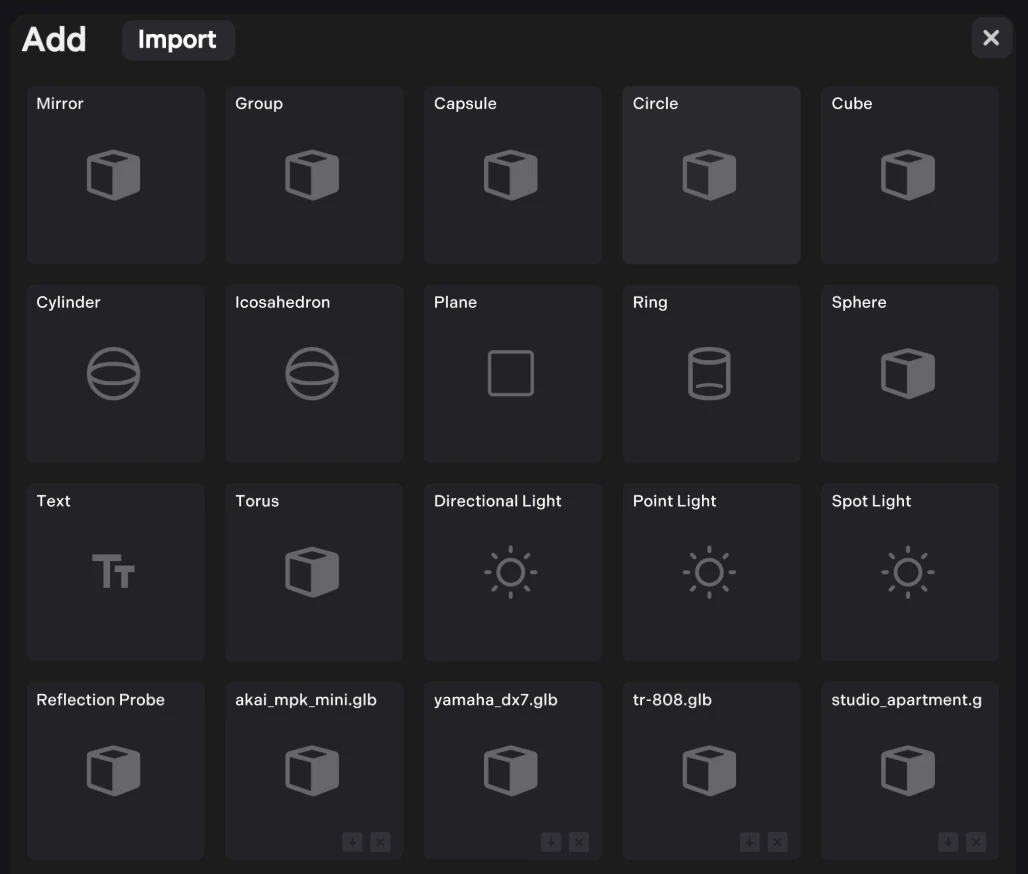
To import assets, you can drag and drop files, or click import at: Editor -> + -> import
js
// or at runtime use:
const upload = await world.storage.set(arrayBuffer);
console.log(upload.status, upload.key);
Optimisation
Option texture streaming (split textures and dynamically load) - useful for giant scenes.
Textures are converted to WEBP on import
Assets are stored/served on a low latency global network. For more info see storage.
Downloaded assets are cached locally, so scenes reload quickly.
Supported formats
- Models: GLB and VRM (Use Blender to export if you use FBX or USDZ)
- Audio: MP3, OGG/Vorbis, WAV
- Textures: WEBP, SVG, JPG, PNG etc
Blender Export
Blender is recommended for creating/exporting 3d assets with Uva
Blender VRM
BlenderVRM is the best for creating or converting avatars to VRM.
Unity Export
There a few options for exporting from Unity, none are perfect. Recommended: Needle Engine, glTFast or the Unity FBX/GLTF exporter.
UniVRM
UniVRM is great for for exporting avatars from Unity. VRM 0.0 is recommended over 1.0, though both are supported.